Looksmaxxing is a manosphere-adjacent social media trend promoting dangerous and often impossible physical standards for boys. Here's what parents need to know — and how to protect your son.
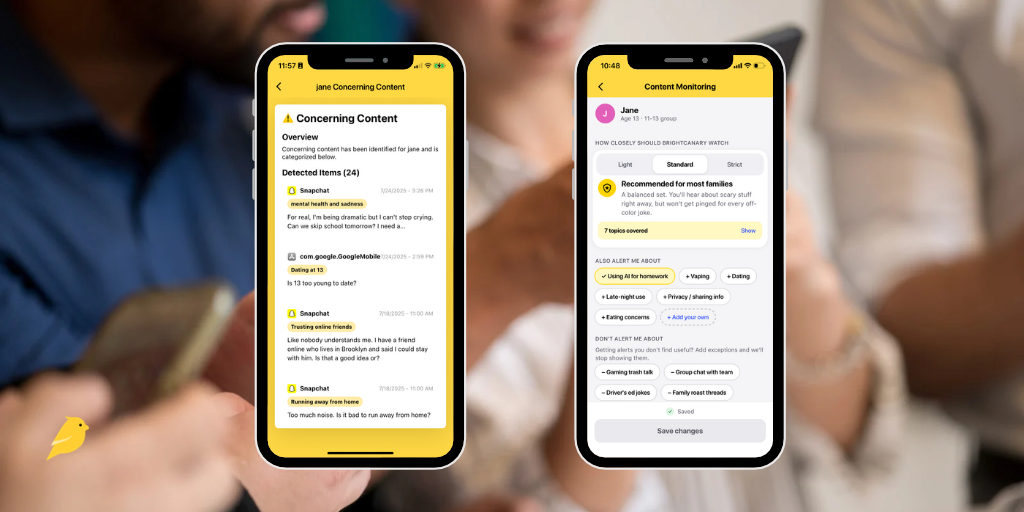
Wondering how BrightCanary works? This AI-powered parental monitoring app uses a secure keyboard to track your child’s activity across texts, search, and social media, all in one place.
Lost in your teen’s group chat? This 2026 guide breaks down the latest teen slang — including drug terms, dating language, and Gen Z text speak parents should know.
Experts recommend that you monitor your child’s device use. These guides will help you keep your child safer online and walk you through parental controls on popular apps and devices.
Qustodio's screen time and filtering features are largely available for free through Apple Screen Time. If you need more robust monitoring, here are four Qustodio alternatives worth considering.
YouTube Shorts is basically TikTok’s cousin. If your child loves watching Shorts, here’s what to know about the platform and how parental controls can help keep them safe.
WhatsApp's new parental controls let parents manage who their child can message and which groups they can join — but message monitoring isn't included. Here's what parents need to know.
Need to block websites on your child’s iPhone? This guide walks you through Apple Screen Time settings, network filters, and extra steps to keep your child safe online.
Parenting is different in the digital age. Learn about the risks your child may face online, what to do to keep your child safe, how to talk to your child about internet safety, and more.
After reading alarming reports about Grok's safety record, we tested Kids Mode ourselves. The results were worse than expected. Here's what parents need to know about Grok and how to keep kids safe on the platform.
When you're monitoring your child's texts and see something concerning from a friend, it's hard to know what to do. Here's how to decide whether to tell the other parent — and how to handle it either way.
AI is making online scams targeting kids more convincing than ever. Here's how phishing, malware, fake stores, and subscription traps work — and what parents can do about each one.
Digital parenting anxiety is real. From predators to toxic content, it’s easy to feel overwhelmed. Here’s how to find a balanced approach that protects your child and your peace of mind.
Conversation skills help kids form friendships, express their needs, and build lasting relationships. Here's how to teach your child conversational skills — and what to do if they struggle.
This week in Parent Pixels: New research finds more than half of TikTok's ADHD content is inaccurate, OpenAI's erotica plans raise red flags for parents, and why harmful content keeps reaching kids online.
New research suggests video games may actually boost kids' cognitive function — including impulse control, working memory, and visual attention. Here's what parents need to know, plus tips for keeping gaming balanced and safe.
This week in Parent Pixels: The debate over teen social media bans is heating up. Plus: some good news and bad news from Instagram, and a striking stat about how much time teens spend on their phones at school.
BrightCanary monitoring gives parents the visibility they need on the platforms their kids use. These guides will help you customize BrightCanary to fit your needs.
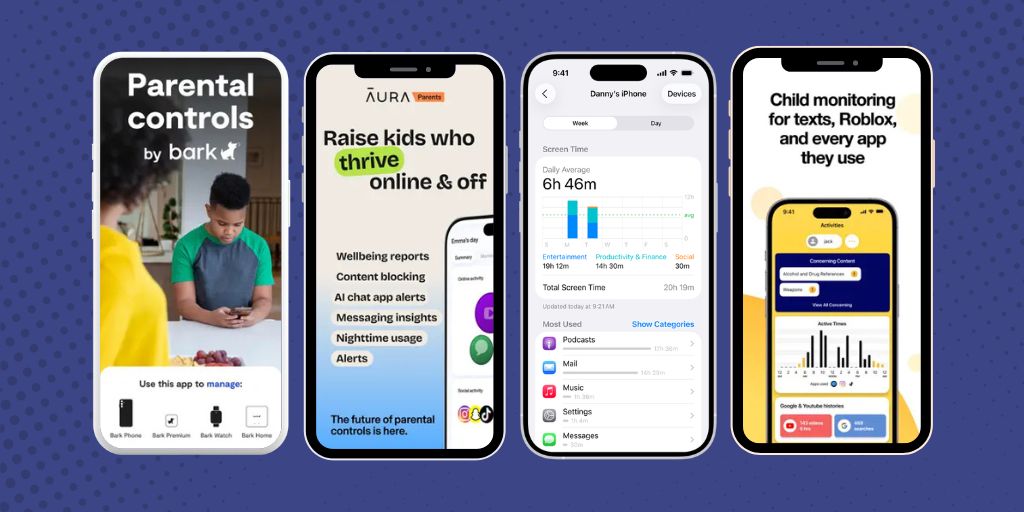
Bark doesn’t work well on iOS, which is why so many parents search for better options. Here are the top 5 Bark alternatives, including BrightCanary, Qustodio, Net Nanny, Mobicip, and Microsoft Family Safety.
Wondering if BrightCanary Text Message Plus is right for you? Learn how it works, what it monitors, and why it’s the best option for parents who want full text message visibility.
Tweens and teens often hide their feelings from parents. Learn how BrightCanary’s emotional insights, combined with offline strategies, help you monitor your child’s well-being.