Many parents fear real-world dangers while overlooking growing online risks. This guide explains why offline spaces are safer than ever, what threats kids face online, and how to balance freedom with digital protection.
Get our free AI Safety Toolkit for parents —conversation scripts, rules templates, and app settings checklists — plus an exclusive discount on BrightCanary.
Introducing the new BrightCanary Keyboard: a smarter, AI-powered way to monitor your child’s activity across every app they use. We spoke with BrightCanary co-founders about how it all works.
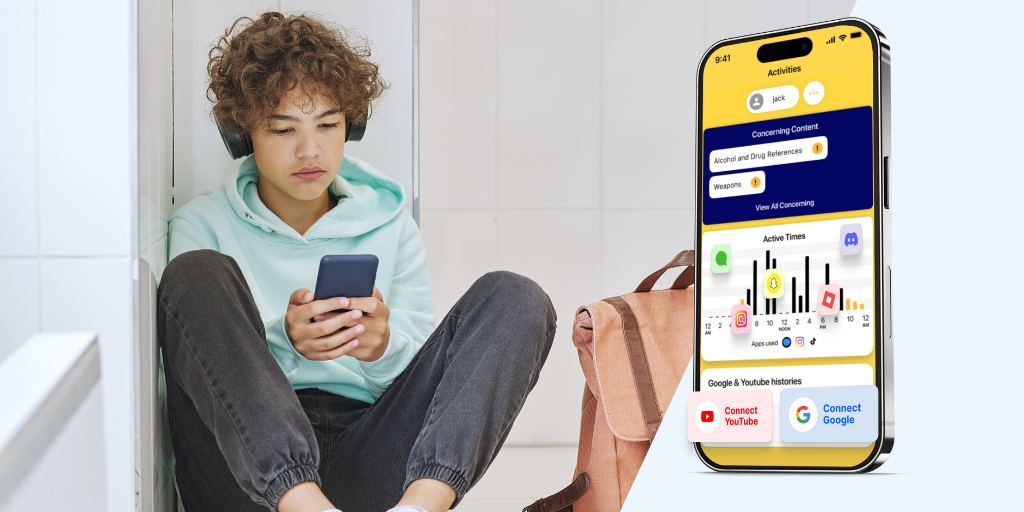
Wondering how BrightCanary works? This AI-powered parental monitoring app uses a secure keyboard to track your child’s activity across texts, search, and social media, all in one place.
Experts recommend that you monitor your child’s device use. These guides will help you keep your child safer online and walk you through parental controls on popular apps and devices.
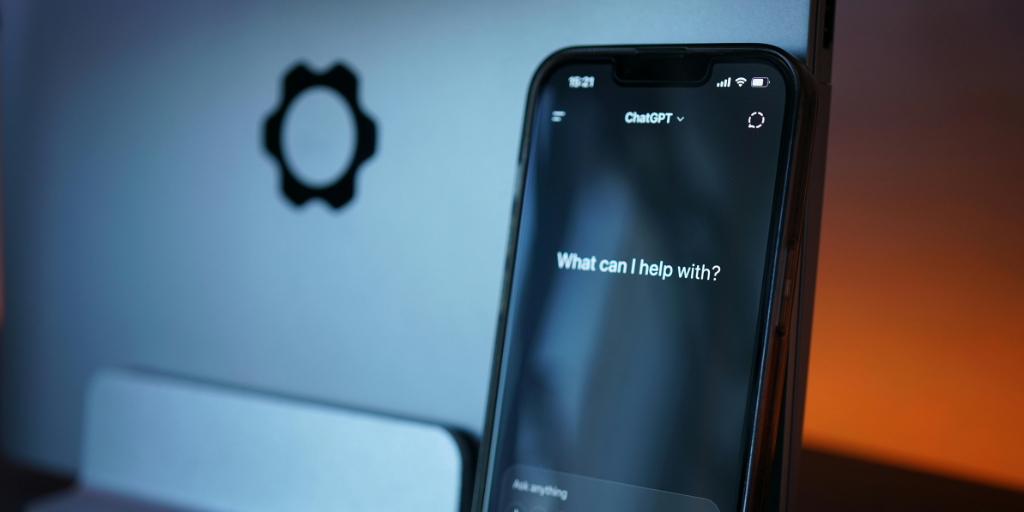
ChatGPT can be a powerful tool for learning and creativity — but it also comes with risks. Learn how to use new parental controls to keep your child safe while exploring AI.
Setting up parental controls on your child’s iPhone can feel daunting. This guide walks you through every setting parents should use, plus how BrightCanary adds AI-powered protection.
AI apps like ChatGPT and Character.ai aren’t built with kids in mind. Learn what parental controls exist, their limits, and the best parental monitor for AI apps.
Roblox chat allows kids to communicate with others in-game or across the platform — but it also comes with risks. Here's how to use Roblox chat parental controls to keep their gaming experience safe.
Parenting is different in the digital age. Learn about the risks your child may face online, what to do to keep your child safe, how to talk to your child about internet safety, and more.
Apple Watches can be a safe first device for kids — if they’re set up correctly. This guide explains how to enable parental controls, set up Family Sharing, and monitor text messages on an Apple Watch using BrightCanary’s Text Message Plus plan.
Kids are finding new ways to fake their age and bypass social media age verification, even on platforms using AI. Learn how they do it and how to protect your child.
Cyberbullying can take many forms, from doxing to flaming to impersonation. Here are seven types of cyberbullying every parent should know and how to protect your child.
AI deepfakes have changed the calculation for parents who share photos of their kids online. Learn the real risks of sharenting today — and how to protect your child’s digital footprint.
When it’s time to give your kid their own phone, do you give them the hand-me-down iPhone, or opt for a smartphone alternative? Here are six alternatives to consider.
This week in Parent Pixels: Character.ai bans teens after safety concerns, Meta’s own research exposes Instagram’s harmful feeds, and how to talk to your child about fandoms and influencers.
BrightCanary monitoring gives parents the visibility they need on the platforms their kids use. These guides will help you customize BrightCanary to fit your needs.
Wondering if BrightCanary Text Message Plus is right for you? Learn how it works, what it monitors, and why it’s the best option for parents who want full text message visibility.
Tweens and teens often hide their feelings from parents. Learn how BrightCanary’s emotional insights, combined with offline strategies, help you monitor your child’s well-being.
Introducing the new BrightCanary Keyboard: a smarter, AI-powered way to monitor your child’s activity across every app they use. We spoke with BrightCanary co-founders about how it all works.