Roblox now requires facial age verification for chat access. Here’s how the system works, whether it’s safe, and what parents should know before allowing it.
Get our free AI Safety Toolkit for parents —conversation scripts, rules templates, and app settings checklists — plus an exclusive discount on BrightCanary.
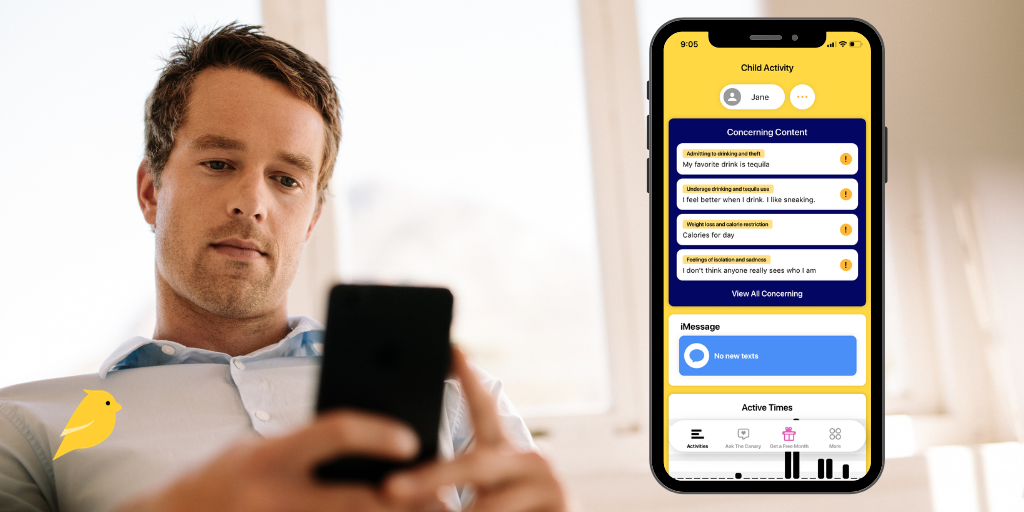
Wondering how BrightCanary works? This AI-powered parental monitoring app uses a secure keyboard to track your child’s activity across texts, search, and social media, all in one place.
Lost in your teen’s group chat? This 2026 guide breaks down the latest teen slang — including drug terms, dating language, and Gen Z text speak parents should know.
Experts recommend that you monitor your child’s device use. These guides will help you keep your child safer online and walk you through parental controls on popular apps and devices.
Need to block websites on your child’s iPhone? This guide walks you through Apple Screen Time settings, network filters, and extra steps to keep your child safe online.
Co-parenting apps help parents coordinate schedules, communicate clearly, and support their child — especially across two households. Here’s our roundup of the best co-parenting apps for modern families.
Learn how to use Snapchat Family Center to monitor your child's interactions, see who they’re chatting with, and manage their safety settings effectively.
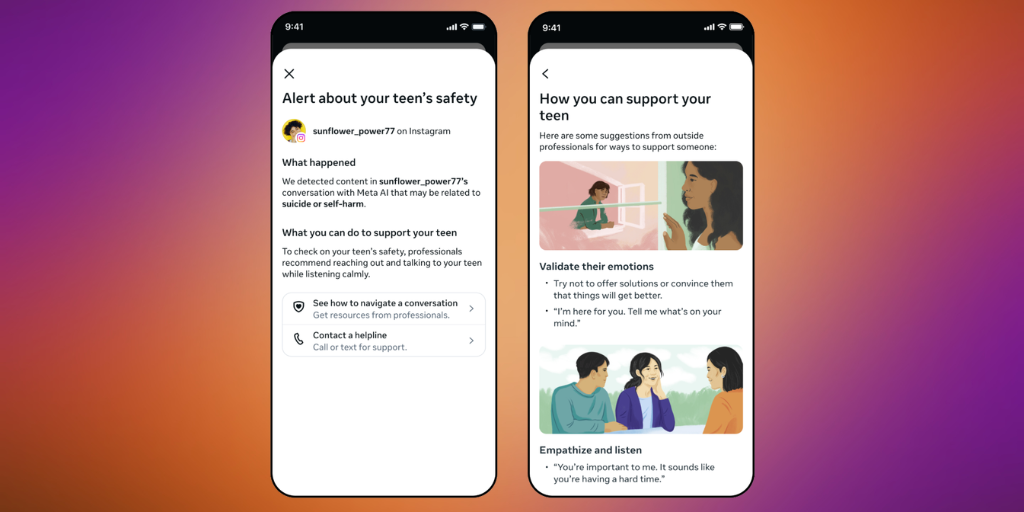
ChatGPT claims it will alert parents when teens are in danger. But real-world testing shows those safety notifications often fail. Here’s what parents need to know and how to stay protected.
Parenting is different in the digital age. Learn about the risks your child may face online, what to do to keep your child safe, how to talk to your child about internet safety, and more.
Digital parenting anxiety is real. From predators to toxic content, it’s easy to feel overwhelmed. Here’s how to find a balanced approach that protects your child and your peace of mind.
Should teens have Venmo? This guide explains how Venmo teen accounts work, the risks of scams and overspending, and how parents can use built-in controls and monitoring to keep teens safe.
This guide walks parents through a practical, layered approach to online safety, from account security and device protections to privacy settings, monitoring tools, and the trust that makes everything work.
This week in Parent Pixels: New research shows gambling is increasingly common among boys — often through video games, sports betting, and social media. Plus, new warnings about AI in schools and why screen time limits alone aren’t enough.
New data from Pew Research Center shows teen social media use is stabilizing, but AI chatbot use is rapidly rising. Here’s what parents need to know and how to respond.
AI image tools like Google’s Nano Banana can create or edit photos that look real enough to pass as evidence. Here’s how parents can spot, verify, and respond when an image of their child may be fake.
This week in Parent Pixels: YouTube adds parental controls for Shorts, Snapchat expands Family Center, and new research shows when gaming can actually help kids’ brains.
BrightCanary monitoring gives parents the visibility they need on the platforms their kids use. These guides will help you customize BrightCanary to fit your needs.
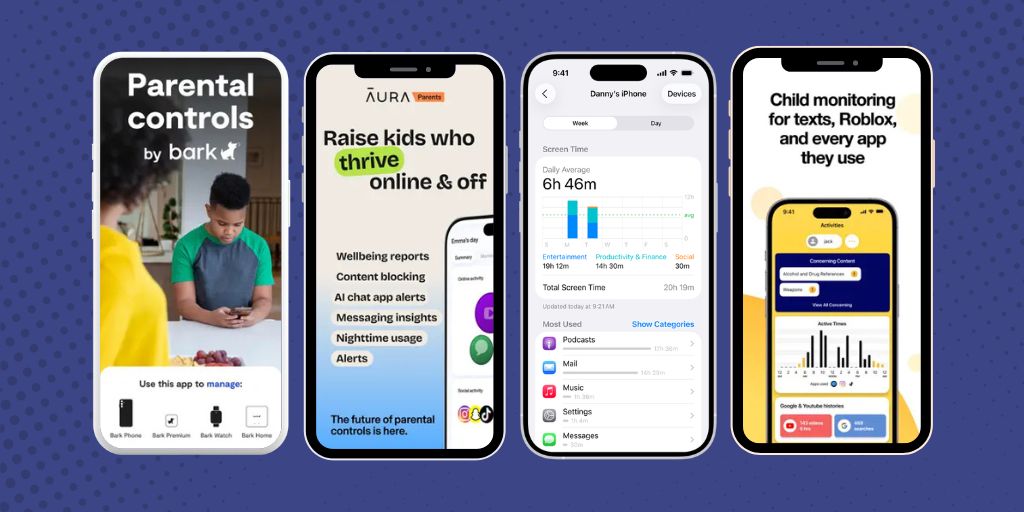
Bark doesn’t work well on iOS, which is why so many parents search for better options. Here are the top 5 Bark alternatives, including BrightCanary, Qustodio, Net Nanny, Mobicip, and Microsoft Family Safety.
Wondering if BrightCanary Text Message Plus is right for you? Learn how it works, what it monitors, and why it’s the best option for parents who want full text message visibility.
Tweens and teens often hide their feelings from parents. Learn how BrightCanary’s emotional insights, combined with offline strategies, help you monitor your child’s well-being.