What Is Snapchat's My Eyes Only? A Parent's Guide to the App's Hidden Photo Vault

By Andrea Nelson
September 21, 2026
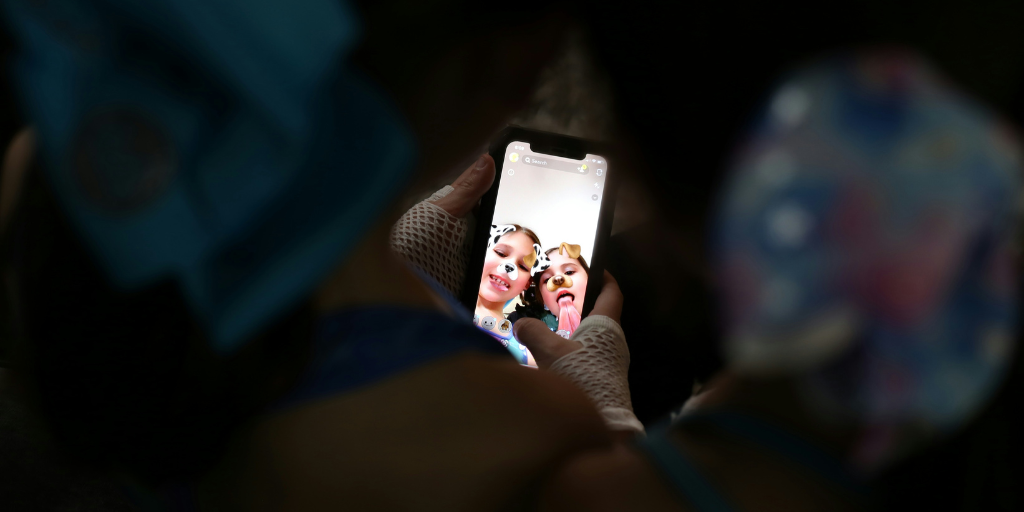
Two kids using Snapchat's My Eyes Only feature

Snapchat’s My Eyes Only is a feature you’ve likely never heard of, but really should know about. That’s because your child could be using it to hide things from you. Here’s everything you need to know about the feature. 

What is My Eyes Only on Snapchat? 

Snapchat’s My Eyes Only feature is a passcode-protected vault where a user can privately store Snaps or Stories. Only photo Snaps and video Snaps shorter than 10 seconds can be moved to My Eyes Only.

How does Snapchat’s My Eyes Only work? 

Before we get into why you should be concerned about My Eyes Only, let’s take a look at how it functions. 

How to set up and access Snapchat’s my Eyes only

  • On Snapchat, click the camera icon at the bottom.
  • Swipe up to access Memories. 
  • On the far right of the top navigation bar, click My Eyes Only.
  • When prompted, select a passcode. (Note: There’s no way to recover a forgotten passcode.) 

How to store Snaps and Stories in My Eyes Only

  • Save the Snap or Story to Memories.
  • From the Memories section, tap the Snaps or Stories you want to move. 
  • Tap “Hide Snaps (My Eyes Only)” at the bottom.
  • Tap “Move.”
  • If prompted, enter your passcode. 

Should you be concerned about your child using My Eyes Only?

If your child uses My Eyes Only, they could be doing so for non-worrisome reasons, like wanting to show a friend their memories, but not all their memories, or a developmentally appropriate desire for privacy. But it also could be a big reason for concern. 

It’s difficult to monitor

Snapchat is already an inherently difficult platform for parents to monitor because, by default, messages disappear after just 24 hours. 

My Eyes Only further complicates the issue. Snapchat and other social media platforms limit what images child monitoring apps like BrightCanary can access, meaning you’ll need to also use digital check-ins to monitor Snapchat images. 

The problem is, most parents don’t know about My Eyes Only, making it an easy hiding place. 

There could be serious consequences

I don’t want to freak you out, but it’s worth the thought experiment of playing out the worst-case scenario. One thing a kid might store in My Eyes Only are sexts or AI-generated nudes. 

The legal and technical details are complicated, but under certain circumstances, law enforcement may be able to access items stored in My Eyes Only.

Nude images of minors, even when they’re generated by AI, are illegal under federal law. State laws vary, but kids have been charged with both misdemeanors and felonies. If found guilty, depending on the state, they may be required to register as a sex offender for the rest of their lives.

What to do if you’re concerned about Snapchat’s My Eyes Only

  • Get curious. The best place to start is a simple conversation. Ask your child if they’re familiar with Snapchat’s My Eyes Only and if they ever use it. If they say yes, rather than assuming they’re up to no good, ask them why they use My Eyes Only.
  • Explain your concerns. Be clear that you aren’t trying to spy on them, but that you want to make sure they’re not storing anything harmful or that could or get them in trouble.  
  • Set expectations. Get on the same page about what you expect from their online behavior and put it in writing with a digital device contract. 
  • Use a monitoring app. While Snapchat prevents BrightCanary from monitoring images stored in My Eyes Only, it can monitor everything they type on Snapchat and all other platforms, making it a vital part of a holistic monitoring plan. 

Snapchat's My Eyes Only lets kids hide photos and videos behind a passcode, out of reach of parental monitoring apps. Using it could be an innocent, age-appropriate bid for privacy, but it could also signal trouble. Kids can use My Eyes Only to hide risky content, including nude images which can carry legal consequences, even for minors. 

To mitigate the risks, talk openly with your child about your concerns, set clear expectations for their behavior on Snapchat, and monitor their use with BrightCanary.


Instagram logo iconFacebook logo icontiktok logo iconYouTube logo iconLinkedIn logo icon
Be the most informed parent in the room.
Sign up for digital parenting updates.
APA Labs Digital Badge
We've earned the APA Labs Digital Badge
BrightCanary is honored to earn this designation from the American Psychological Association (APA). This APA Labs Digital Badge reflects alignment with APA Labs criteria for scientific principles, safety, ethical use, and usability. It is not an endorsement nor guarantee of effectiveness. APA Labs does not independently test products.
Mom's Choice Awards Honoring Excellence
Excellence in online safety
The Mom’s Choice Awards evaluates products and services created for children, families, and educators. The program is globally recognized for establishing the benchmark of excellence in family-friendly media, products and services. BrightCanary was recognized for our excellence in family-friendly online safety.
@2026 Tacita, Inc. All Rights Reserved.