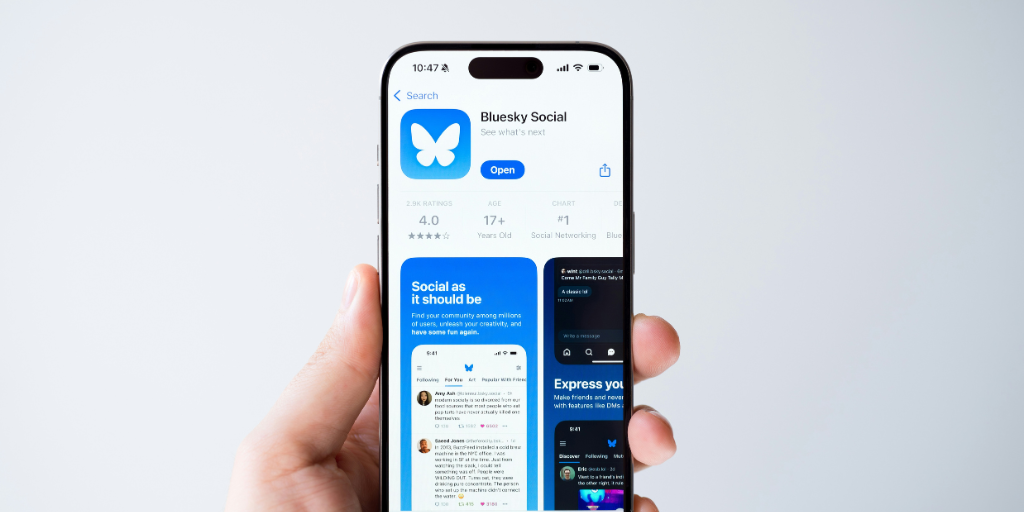
As X (formerly Twitter) descends further into dumpster-fire territory, Bluesky is emerging as a popular alternative. With Bluesky’s user base growing among younger users fleeing X, parents are starting to ask questions. This article explores if Bluesky is safe for kids and what you can do to keep your child safe on the platform.
Bluesky is a microblogging social media platform designed as an alternative to X. Instead of being controlled by a centralized, opaque social media algorithm, Bluesky feeds are customizable. Users can set multiple feeds based on a topic or interest or select from pre-curated options and then toggle between them.
If users don’t want to manually select accounts to follow, Bluesky offers “starter packs.” Your teen can choose algorithms or topics as their “home” timeline. For example:
Users can also create their own starter packs and share them with friends or post them to their other social apps.
Bluesky users must be at least 13+. Some countries and states have laws that require a higher minimum age, which Bluesky honors.
Bluesky’s age verification process varies by location. Here in Washington state, I was able to open an account for a fake 13-year-old simply by fabricating a birthdate.
I got an alert stating that, according to the laws of my country, my parent or legal guardian must read the Terms of Service and Privacy Policy on my behalf, but I was able to ignore that and still create an account.
In jurisdictions that have age verification laws, Bluesky uses Kids Web Services to verify age through a payment card authorization, government-issued ID scan, or facial age estimation.
Bluesky gets some safety points right, namely the extraordinary level of control users have over their feed and moderation experience.
These risks remain, though:
Professionally, I always advise that minors set their accounts to private, but Bluesky doesn’t provide that option. Personally, this is a sticking point for me as a parent. Public accounts expose your child to predators, scams, and harassment.
Because Bluesky’s moderation is decentralized and operated with a mix of AI, in-house human moderators, and user moderators, the quality is inconsistent at best.
Bluesky is open-source, and users can create and run their own servers on the Bluesky platform. They are then responsible for moderation (or lack thereof) for anything posted on their platform. Anyone, including your child, can access any user-run Bluesky server, but because it’s hosted on the main platform, they likely won’t even know it. This creates the perfect storm for a harbor of harmful content for your child to discover.
There have also been reports of racist interactions and violent threats, and concerns over the lack of moderator involvement in such incidents.
Underage users are prevented from turning on the “adult content” option, but because age verification is nonexistent in many jurisdictions, this means very little.
The risk of falling into an algorithmically driven echo chamber exists on all social media. Users’ ability to customize their content feeds and moderation policies magnifies that risk on Bluesky. Your child could easily get trapped in a toxic online bubble.
Bluesky doesn’t have parental controls. Many of the same elements can be adjusted in the settings, but it’s not password protected and can be changed by your child at any time.
If you choose to let your child use Bluesky, here are a few ways to reduce the risks when they use the platform:
Peruse the options together and choose a few that you get a good feeling about.
Go through your child’s content and moderation settings with them and adjust them according to your child’s maturity and needs. This guide gives an in-depth walkthrough, but I suggest paying particular attention to these two areas:
Keep an eye on how your child uses Bluesky, and watch for warning signs that they’re falling into toxic territory or interacting with strangers. BrightCanary monitors everything your child types across all platforms, including Bluesky, and sends you real-time alerts to any concerns.
Bluesky has meaningful safety gaps for kids such as public accounts, no parental controls, and inconsistent moderation. Users can customize their experience, which mitigates some risk, although kids can change the settings themselves. Bluesky should be approached with caution, and parental involvement and monitoring are a must if your child uses the platform.
Many parental control apps can’t monitor newer apps yet. BrightCanary’s keyboard-level monitoring allows for comprehensive monitoring across all apps, even Bluesky. Download today to get started.