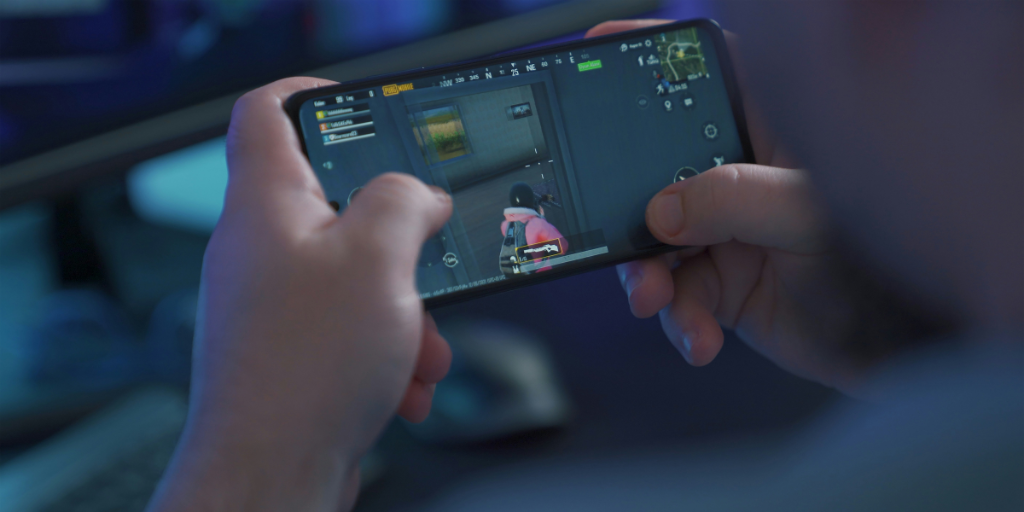
Raise your hand if your kiddo is super into video games. I know I’m not the only one! Video games are no longer seen as drivers of aggression, and they may even be associated with better cognitive performance in children. We’re here to talk about a feature many gaming platforms have: a chat feature.
A lot of preteen boys I know flock to Roblox specifically for the chat. In-game chat can be a source of positive socialization and a way to develop teamwork, but it also introduces some big concerns. Let’s take a look at those risks and explore how to make in-game chat safer for your child.
There are a variety of in-game chat options. Specifically:
At least one version of messaging is available on most major gaming platforms. In the majority of popular multiplayer games, like Roblox, Minecraft, and Fortnite, chat is enabled by default.
There are two levels of in-game chats:
These are the primary risks of in-game chats that you need to be aware of:
Let me be clear: you aren’t obligated to let your child use in-game chat at all. I don’t let my 10-year-old use any in-game chat, except for with friends and family inside a closed server on Minecraft. If you decide to let your child use in-game chat (also a valid decision), here are some tips for helping them stay safe.
If your kiddo hasn’t started their gaming adventure yet, start with games that have trusted chat filters like Splatoon 3 and Among Us.
Before your child downloads a new game, research the game and the community surrounding it. (Pro tip: Common Sense Media is my go-to for vetting all types of media for my kids.)
Have a conversation about the behavior you expect from your child while on chat, and how they should expect others to treat them.
Your child should never share any personal information over in-game chat. Period. Make sure they know this.
Teach your child that if someone is harassing them, making them uncomfortable, or generally acting a fool, they shouldn’t be afraid to mute or block that user.
Set up parental controls on all gaming platforms that your child uses. For most games, there are a range of choices.
Every game is slightly different, but you can use this as a general guide:
Regardless of how restricted or open you set your child’s in-game chat, it’s important to monitor how they use it. Some platforms, like Nintendo Switch, allow for monitoring as part of their parental controls. For games like Roblox and Minecraft, which can be played on Apple devices, BrightCanary monitors everything your child types and sends you real-time alerts to any concerns.
In-game chat provides kids benefits like teamwork and social connection. It also introduces risks like cyberbullying, predators, and inappropriate content. To help your child use in-game chat safely, teach them chat etiquette, use all available parental controls, and monitor their activity with a tool like BrightCanary.