4 Best Phone Monitoring Apps for Parents

By Andrea Nelson
May 8, 2026
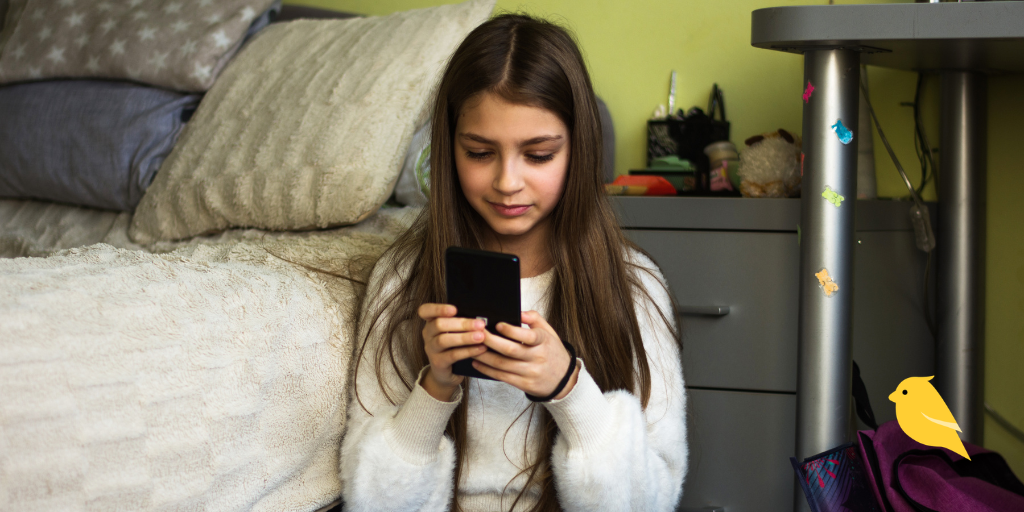
Young girl looking at iPhone with BrightCanary logo in corner

If you’re looking for a phone monitoring app for your kid but want to make sure you’re making the best choice, look no further. This roundup compares the four best monitoring apps for parents to use when keeping their child safe online.

BrightCanaryApple Screen TimeBarkQustodio
PlatformiOS onlyiOS onlyiOS and AndroidiOS and Android
Monitoring typeAll appsScreen time and content filteringPartial: Specific apps onlyPartial: AI-scanned texts and social
AI-powered scanningYesNoYesYes
Real-time alertsYesNoYesYes
Social media monitoringYes, all appsNoPartialPartial
AI app monitoringYesNoPartialNo
Screen time controlsNoYesYesYes
App blockingNoYesYesYes
Works without home WiFiYesYesNoNo

Apple Screen Time

Available on

iOS

What to know about Apple Screen Time

Apple Screen Time is built into all iOS devices. The parental control features allow you to filter content and set limits on your child’s iPhone. While it’s lighter on monitoring capabilities, Apple Screen Time made our list because it’s a great complement to more traditional monitoring apps. (It pairs extremely well with BrightCanary.) And because it’s native to iOS devices, setup is seamless. 

Features 

  • Insight into how much time your child spends on their device, broken down by specific app and website
  • Block apps and notifications for specific periods
  • Restrict apps by category
  • Limit who your child can communicate with
  • Filter web content
  • Restrict explicit media

Considerations

  • Doesn’t provide insight into the content your child views
  • No ability to see your child’s social media activity
  • Web filtering is limited to Safari
  • No message content monitoring

BrightCanary

Available on

iOS

What to know about BrightCanary

If you’re looking for the best phone monitoring app for your kid, BrightCanary has you covered. BrightCanary harnesses advanced technology to remotely scan everything your child types across every app to help keep them safe, no matter the platform. Setup is a breeze, and because it was built specifically for iOS, it outperforms similar monitoring apps on Apple devices. 

Features 

  • Keyboard-level monitoring of everything your child types on all apps, including social media, search engines, and AI chatbots 
  • Real-time alerts if your child encounters anything alarming
  • Two-way message monitoring with Text Message Plus
  • AI-powered summaries of your child’s online activity
  • Access to full transcripts anytime you need more details
  • Emotional insights informed by the American Psychological Association

Considerations

  • The app is currently only available for families on iOS. If you have an iPhone but your child uses Android, you’ll need to wait until BrightCanary offers Android monitoring. 
  • Some kids will try to uninstall or get around BrightCanary keyboard monitoring. The app will alert you if it stops receiving data from the keyboard.
  • BrightCanary’s alerts use preset categories that provide robust coverage for concerning content. However, you can’t currently prompt the system to scan using your own keywords. That feature is coming soon, though! 

Qustodio

Available on

iOS, Android

What to know about Qustodio

Qustodio is very similar in functionality to Bark. It uses AI to scan your child’s activity on their phone and sends you alerts if there’s a concern detected over text or social media messages. Qustodio stands out for its panic button feature, although that’s only available on Android devices.  

Features

  • Scans your child’s searches and conversations over text and social media messaging
  • Alerts if your child searches for something concerning or has a worrisome message exchange
  • Website filtering and content control
  • The ability to block apps
  • Manage your child’s screen time
  • Panic button (only available on Android)

Considerations

  • Text monitoring only works when your child is connected to home WiFi
  • No alerts for concerning social media posts
  • Doesn’t monitor content on AI apps
  • Complicated setup on Apple devices
  • No Instagram monitoring on iOS devices

Bark

Available on

iOS, Android

What to know about Bark

Bark uses AI-powered monitoring to scan your child’s activity on some of the most popular apps and social media platforms. It also has other features like location tracking and screen time limits. Bark is available on iOS but performs best on Android devices. Aside from its monitoring, most of Bark’s features are available for free through Apple Screen Time. 

Features

  • Monitors your child’s texts and activity on popular apps and social media platforms
  • Alerts you if the system detects a concern
  • GPS location tracking
  • Ability to restrict access to apps
  • Set screen time limits

Considerations

  • Only monitors your child on specific apps
  • Limited functionality on iOS devices
  • Text monitoring only works when your child is connected to home WiFi
  • Limited outgoing message insight on social media
  • Doesn’t monitor AI apps on iOS devices (and AI monitoring is very limited on Android)  
  • Difficult setup on iOS devices

FAQs

What’s the best parental monitoring app?

BrightCanary is the best parental monitoring app for iOS devices, offering robust, keyboard-based monitoring on every app and website your child uses. If your child has an Android, Bark or Qustodio are good choices. 

Is Apple Screen Time enough for monitoring my kid?  

Apple Screen Time is excellent for filtering content, blocking apps, and restricting screen time. It’s built into all iOS devices and is free to use. However, the monitoring insights are very limited. Apple Screen Time is best when paired with a third-party monitoring app for kids like BrightCanary, which is specifically designed to work on iOS devices. 

Which monitoring app for kids is best on iPhones?

Because it was built specifically for iOS devices, BrightCanary is the best phone monitoring app for parents whose kids use iPhones, especially when it's used alongside Apple Screen Time. The BrightCanary Keyboard monitors everything your child types on their iPhone, across all apps, websites, AI, and social media platforms.


Instagram logo iconFacebook logo icontiktok logo iconYouTube logo iconLinkedIn logo icon
Be the most informed parent in the room.
Sign up for digital parenting updates.
APA Labs Digital Badge
We've earned the APA Labs Digital Badge
BrightCanary is honored to earn this designation from the American Psychological Association (APA). This APA Labs Digital Badge reflects alignment with APA Labs criteria for scientific principles, safety, ethical use, and usability. It is not an endorsement nor guarantee of effectiveness. APA Labs does not independently test products.
Mom's Choice Awards Honoring Excellence
Excellence in online safety
The Mom’s Choice Awards evaluates products and services created for children, families, and educators. The program is globally recognized for establishing the benchmark of excellence in family-friendly media, products and services. BrightCanary was recognized for our excellence in family-friendly online safety.
@2026 Tacita, Inc. All Rights Reserved.